How Long Should a YouTube Intro Be? How to Make One That Works
To make a YouTube intro, open the video with a 10 to 30 second hook that shows or says what the viewer is about to get, then, if you want branding, add a short title sting of 2 to 5 seconds with your channel name or logo. You can make the sting free with templates in Adobe Express or Canva, by hand in any editor, or with an AI video tool that builds it from your brand and reuses it every episode. Skip the old 15-second animated logo opener. Viewers decide whether to stay in the first moments, and a long logo spin gives them a reason to leave.
That's the main shift. "Intro" used to mean a branded animation. Now it means the opening of the video, and the branding is a small part of it.
How to cut a YouTube video in Rend, step by step
These screenshots come from Rend's demo of cutting an interview; your own project works the same way.
1. Drop in your footage. Add your files (here two camera angles and a lav mic recording) and say what you want: "Cut this interview into a 4-minute feature like this series."
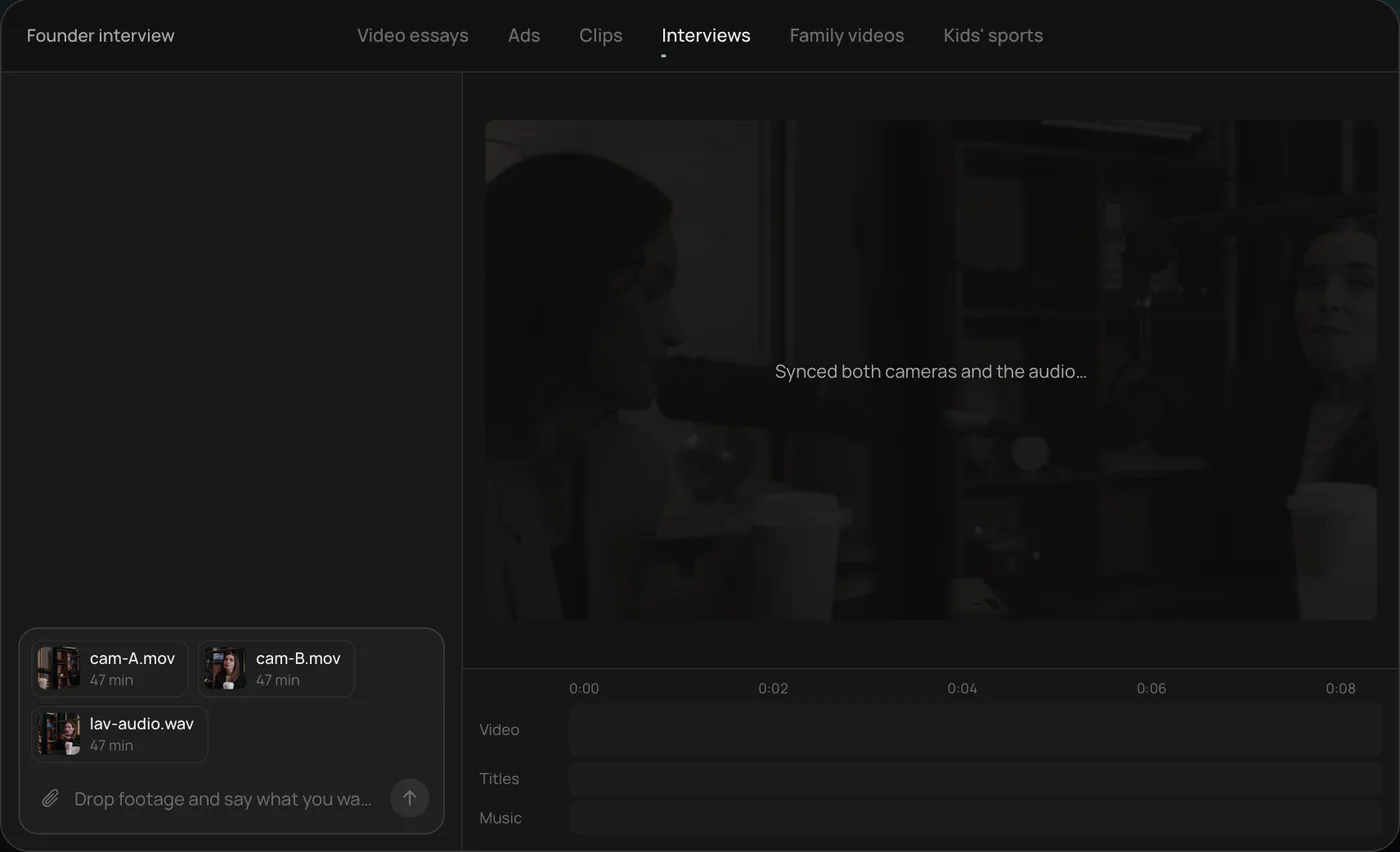
2. Answer one question. Rend asks what should happen to the interviewer's questions and recommends cutting straight to the answers.
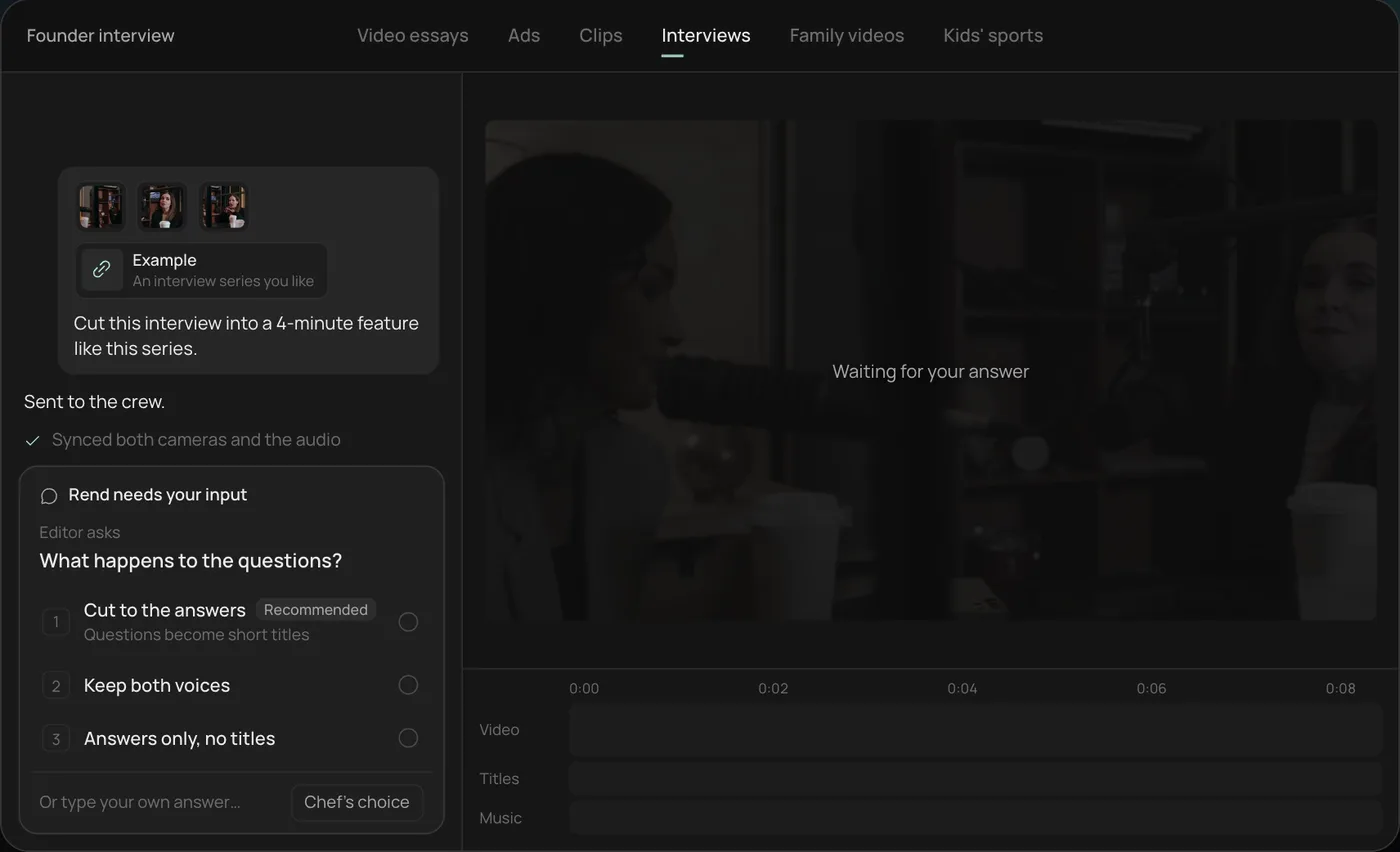
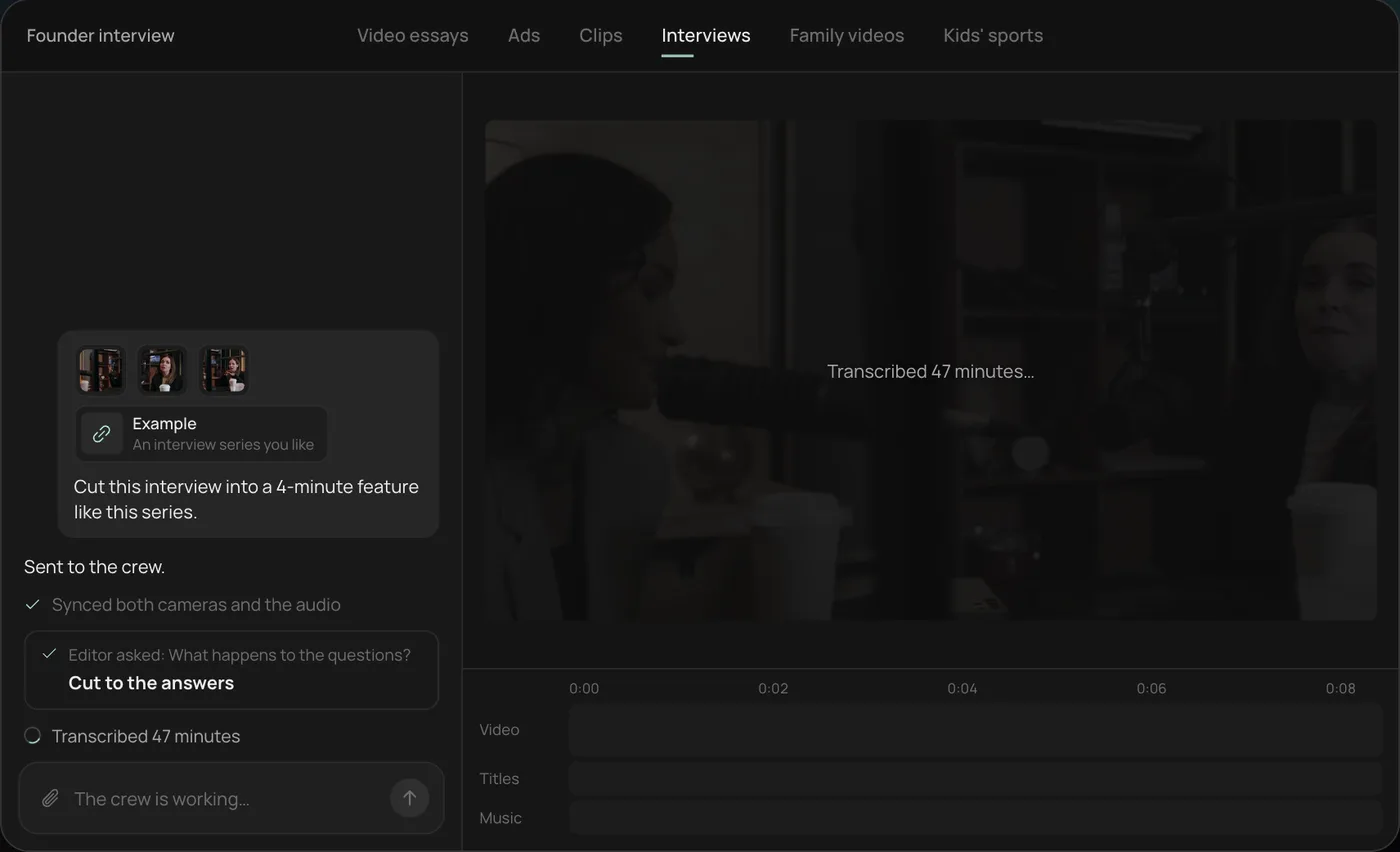
3. Watch the crew work. The crew syncs both cameras with the audio and transcribes all 47 minutes, each step checked off in the chat.
4. Get the finished cut. A 4-minute feature lands on a real timeline with both angles, a name title and the best answers in order, on separate tracks.
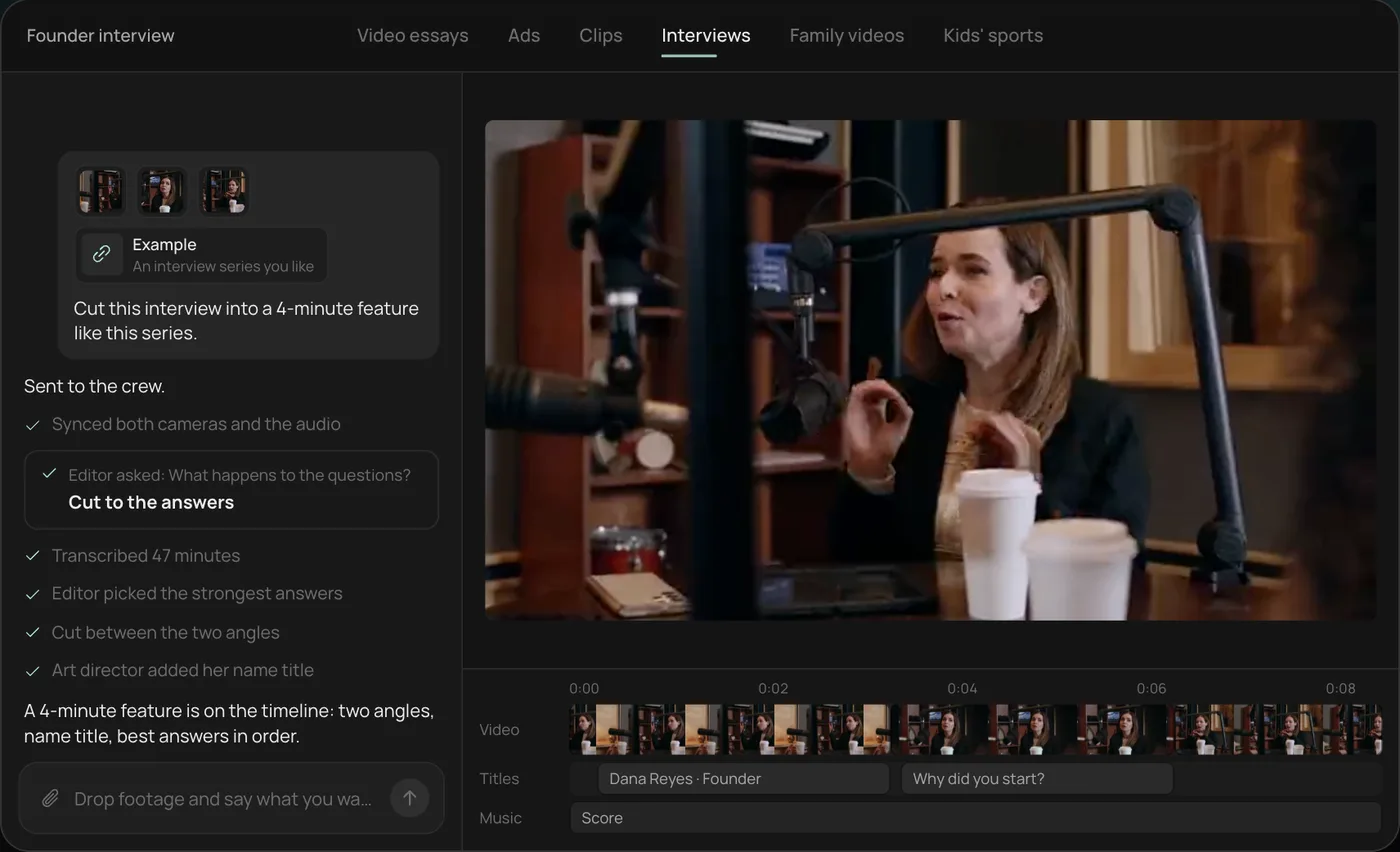
From there you can open the timeline and change anything by hand, share a review link for notes, or export. Start a free Rend project to try it on your own footage.
The two parts of a good intro
The hook (10 to 30 seconds). This is what keeps people watching. It states or shows the payoff, raises a question the video answers, and gets moving. It's specific to each video.
The sting (2 to 5 seconds, optional). A quick title card or logo moment with a sound. It's the same every episode and builds recognition. Put it after the hook, not before. People came for the video, not for your logo.
Plenty of large channels use no sting at all, or only put the channel name in a lower corner. If your thumbnail and face are recognizable, the sting is a nice-to-have.
Three intro formats, with scripts
Pick the one that fits your content. Each script is roughly what you'd say in the first 20 seconds.
1. The payoff-first intro (tutorials, reviews, how-tos)
Show the result, then promise the path.
[Shot of the finished thing] This is a desk I built for 140 dollars, with no table saw. I'll show you every cut, the one mistake that cost me a weekend, and the exact parts list. [Sting] Let's start with the wood.
Why it works: viewers see what they'll get in the first two seconds. Notice the specifics: a number, a constraint, a mistake.
2. The question intro (video essays, explainers)
Open in a scene, state the contradiction.
In 2014 this mall had 140 stores. Today it has four, and the parking lot is full every weekend. [Sting] To understand why, you have to go back to a lawsuit nobody remembers.
Why it works: a clear question by about 20 seconds that the whole video pays off. Our video essay script template builds on this.
3. The personality intro (vlogs, commentary, gaming)
Drop in mid-action with energy.
[Mid-run, out of breath] Okay, we are 40 minutes in and I've died eleven times to the same boss. Today it goes down. [Sting]
Why it works: it's already happening. No "hey guys, welcome back."
Intro mistakes that cost you viewers
- Starting with "Hey guys, welcome back to the channel." Every second before the point is a second people can leave.
- A long logo animation first. Keep the sting short and after the hook.
- Explaining what you'll cover in a list. Give one reason to stay, not an agenda.
- A different intro every episode by accident. If you use a sting, make it identical so it builds recognition.
- Music louder than your voice. Duck the music under speech.
- Asking for a subscribe before giving anything. Earn it first.
Check your intro in YouTube Studio's audience retention graph. A steep drop in the first 30 seconds means the hook isn't matching what the title and thumbnail promised. Our free YouTube title tester helps you line up the promise before you shoot.
How to make the sting
Free templates
Adobe Express has free YouTube intro templates; Canva has similar ones. Pick one, swap in your name and colors, export, and drop it in your editor. Fast and free. The downside is that template intros look like templates, and other channels are using the same one.
By hand in an editor
In Premiere, Resolve, CapCut or Final Cut:
- Start a 3-second sequence at your video's resolution and frame rate.
- Put your logo or channel name on a clean background or over a frame from your footage.
- Animate one thing: a scale-up, a wipe, a mask reveal. One move reads as confident; five reads as busy.
- Add a short sound: a whoosh, a hit, a two-note sting.
- Export and save it as a reusable clip or template.
With AI, as part of every episode
In Rend, the sting and the hook are both part of the edit. Tell it once, "3-second sting after the hook: our logo, mint on black, a whip-pan reveal, a soft hit," and save it in a brand kit with your caption style, voice and music bed. Every episode gets the same sting, placed after a hook the agent cuts from that episode's best moment. Titles and motion graphics are built as editable layers, and it can also do Lottie animations or 3D graphics if you want something richer. You can change the timing on the timeline whenever you like.
Rend also helps with the hook itself. It can draft it from your script, find the strongest line in your recording on exact transcript words, and check the opening against what your title promises. If you run a full channel this way, YouTube video agent covers the rest of the workflow. Editing is free; you pay when it renders or generates. See pricing.
An intro planning sheet
Fill this in once for the channel and once per video.
CHANNEL (once)
Sting length: [2-5 s]
Sting look: [logo/name, colors, one motion]
Sting sound: [hit, whoosh, 2-note]
Placement: after the hook, at [~10-30 s]

VIDEO (each time)
Title promise: [what the title and thumbnail say]
Hook format: payoff-first / question / personality
First 2 seconds: [the image or line]
Specifics in the hook: [a number, a constraint, a name]
Last line before the sting: [the line that makes them stay]
Matching the intro to the title and thumbnail
The click is a promise. If the thumbnail shows a burnt cake and the title says "I tried a 3-ingredient recipe," the first seconds should show that cake or the three ingredients, not you in the kitchen saying hello. When the opening doesn't match what was promised, people feel misled and leave, and the retention graph shows it as a cliff. Write the title first, then write the hook as the first proof that the title was true.
How long should a YouTube intro be?
The hook runs as long as it needs to set up the video, usually 10 to 30 seconds. A branded sting should be 2 to 5 seconds. Anything over about 5 seconds of pure branding before content is a risk on retention, and on Shorts you don't use a sting at all: the first second is the hook.
FAQ
Do I need a YouTube intro?
You need a hook. A branded sting is optional and should be short. Many successful channels skip it.
What's the best free YouTube intro maker?
Adobe Express and Canva have free YouTube intro templates. For a sting that's yours and stays the same every episode, build it once in an editor or a brand kit.
Should the intro go before or after the hook?
After. Open with the hook, then play the sting, then get into the video.
Can AI make a YouTube intro?
Yes. Rend builds the sting from your brand, saves it in a brand kit, and cuts a fresh hook for each episode from your footage or script.
How do I make a YouTube intro on my phone?
Use a template in Adobe Express or Canva on your phone, or edit in CapCut. Or send your logo and footage to Rend from your phone and describe the intro you want.
For more on starting a channel, see making YouTube videos the easy way and faceless YouTube channels with AI. When you're ready, start free on Rend with your logo and one video.