Opus Clip vs Vizard: Half the Price per Hour, but Which Fits?
OpusClip and Vizard do the same job: upload a long video, get scored, reframed, captioned short clips. Both charge 1 credit per minute of video you upload. The difference is how many minutes a dollar buys: Vizard's Creator plan lists 600 credits for $29 a month, OpusClip's Pro lists 300 for the same $29. So Vizard is about half the price per hour of source. OpusClip is the better pick if you want a $15 entry plan, a 1080p free tier, or its deeper clipping and editing extras; Vizard is the better pick if you clip many hours a month and price per hour is what you're optimizing.
We build Rend, which comes up at the end, so weigh our view accordingly. Everything below was read on the OpusClip pricing page, the Vizard pricing page and both help centers on November 22, 2026. Vizard also sells a separate agent product with its own plans; this comparison uses the main vizard.ai plans.
Side by side
| OpusClip | Vizard | |
|---|---|---|
| Unit | 1 credit = 1 minute of source | 1 credit = 1 minute of source |
| Free | 60 credits/mo, watermark, up to 1080p, no editing, 3-day exports | 60 credits/mo, watermark, 720p, full editor, 3-day storage |
| Entry paid plan | Starter $15/mo (monthly only), 150 credits | Creator $29/mo or $14.50/mo yearly, from 600 credits |
| Mid plan | Pro $29/mo or $174/yr, 300 credits per pack | Business $39/mo or $19.50/mo yearly, from 600 credits |
| More volume | Extra Pro packs, 300 credits each | Credit tiers from 600 up to 6,200 a month |
| Rollover | Monthly credits last 60 days | Pricing page: 2 months |
| Free upload limits | 10GB per video | 60 minutes, 1GB, 10-minute export length |
| Paid upload limits | 10GB (Starter), 30GB (Pro) | 10 hours, 30GB |
| Paid export | Highest available resolution | 4K |
| Team | Pro: 2 seats per pack, up to 4 | Business: invite members at $5/mo per seat |
| Brand kit | Starter: 1; Pro: up to 4 templates | Business |
| Social accounts | Scheduler on Pro | 6 on Creator, 20 on Business |
Vizard's help center says 1 credit is 1 minute of video processed, for either AI clipping or transcription, and a project is charged once even if you use both. OpusClip's says 1 credit per minute of the original video.
A note on rollover: Vizard's own OpusClip comparison page says its paid credits never expire, while its pricing table lists a 2-month rollover. We'd plan around the pricing table.
Cost per hour of source video
| Plan | Price | Minutes | Per hour of source |
|---|---|---|---|
| OpusClip Starter | $15/mo | 150 | $6.00 |
| OpusClip Pro, monthly | $29/mo | 300 | $5.80 |
| OpusClip Pro, yearly | $174/yr | 3,600 | $2.90 |
| Vizard Creator, monthly | $29/mo | 600 | $2.90 |
| Vizard Creator, yearly | $174/yr | 7,200 | $1.45 |
| Vizard Business, monthly | $39/mo | 600 | $3.90 |
| Vizard Business, yearly | $234/yr | 7,200 | $1.95 |
Paying monthly, Vizard Creator buys an hour of source for what OpusClip Pro yearly charges. Paying yearly, it's half again.
When the price gap matters, and when it doesn't
The gap is real money only at volume. Work it out from your monthly source minutes:
| Source per month | OpusClip, cheapest fit | Vizard, cheapest fit | Monthly difference |
|---|---|---|---|
| 2 hours | Starter, $15 | Creator, $29 (or $14.50 yearly) | OpusClip cheaper monthly |
| 5 hours | Pro, $29 (or $14.50 yearly) | Creator, $29 (or $14.50 yearly) | About the same |
| 10 hours | Pro with 2 packs (check the slider price) | Creator, $29 (or $14.50 yearly) | Vizard cheaper |
| 20+ hours | Several Pro packs | A higher Creator tier | Vizard noticeably cheaper |
Under about 2.5 hours a month, OpusClip Starter is the cheaper monthly option because Vizard has no plan below $29 monthly. Around 5 hours, they're even. Above that, Vizard pulls ahead and the gap grows with every hour.
But price per source minute is only half of it. What you pay per clip you actually post depends on how many suggestions you keep. If one tool's picks suit your footage better, a cheaper meter can still cost more per kept clip. Run the same episode through both free plans (60 credits each) and count keepers. Our OpusClip review has a scorecard for exactly this test.
Where OpusClip is better
Its free tier exports up to 1080p, against Vizard's 720p, though OpusClip's free tier has no editing at all.
Starter at $15 monthly is the cheapest way to get watermark-free clips if you clip only a couple of hours a month, and it includes a brand kit.
Pro lists more clipping controls: prompt-to-clip, topic search, genre-specific reframing, dynamic layout switching, AI B-roll, speech enhancement, eye contact correction, AI voice-over and export to Premiere Pro and DaVinci Resolve.
Refunds: a Pro user can refund a project's credits within 14 days if no clip was downloaded, per OpusClip's refund article. Vizard's pricing FAQ doesn't describe an equivalent.
Where Vizard is better
Price per hour, by roughly half at the same monthly spend.
The free plan includes the full video editor, so you can actually fix clips before deciding to pay. OpusClip's free plan can't.
Uploads of up to 10 hours and 30GB on both paid plans, so long streams fit on the entry paid plan. OpusClip Starter caps uploads at 10GB.
Teams on a budget: Business adds members at $5 a month per seat, plus a brand kit, custom fonts, shared projects and 20 social accounts.
Transcript downloads as SRT on paid plans, handy if you also publish subtitles for the full video.
Who should pick which
| You | Pick |
|---|---|
| Testing with one or two episodes a month | OpusClip Starter, or both free plans side by side |
| Weekly 60-minute podcast | Either; price is about even, so test which picks you keep more of |
| Several hours of streams or webinars a week | Vizard |
| Agency with a few editors on a budget | Vizard Business |
| Want more AI extras inside the clipper | OpusClip Pro |
| Clips are just the start; you need edited episodes or ads | Neither alone |
For the rest of the field, see OpusClip alternatives. If you'd rather finish clips by hand, Opus Clip vs CapCut runs one podcast through both.
Where Rend fits
Both tools pick the moments and hand you a batch to accept or reject. Rend works from instructions instead. It's an AI video agent: you send the episode and say what you want ("four vertical clips where she explains pricing, my caption style, keep the laugh at the end"), and a crew of specialist agents transcribes it with speakers, finds those moments, cuts on exact transcript words and lays everything out on a real timeline you can open and change.
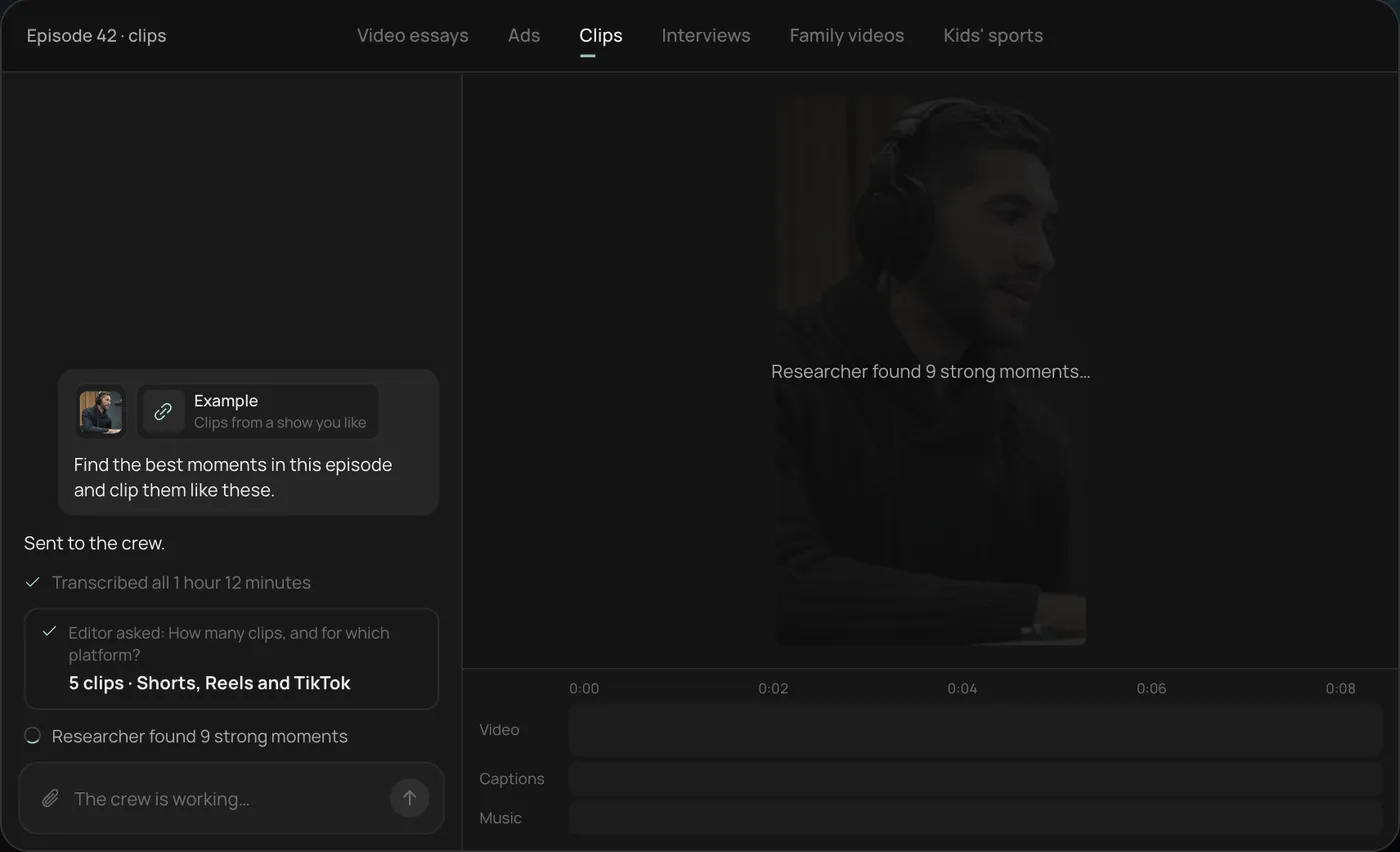
It also does the work clippers don't: an edited long version built in chapters, ads with new hooks and sizes from the same footage, and review links where clients draw on the frame and the agent makes the fix. If what you want is the lowest price per hour for a big pile of auto-picked clips, Vizard or OpusClip is the better buy. Rend's editing is free and you pay only when it renders or generates; see pricing.
FAQ
Is Vizard better than Opus Clip?
Vizard is cheaper per hour of source and its free plan includes the editor. OpusClip has a cheaper entry plan, a 1080p free tier, more AI extras on Pro and project refunds. For clip quality, test the same episode on both free plans.
Is Vizard cheaper than Opus Clip?
Per minute of source, yes: Creator lists 600 credits for $29 a month against OpusClip Pro's 300. For under about 2.5 hours a month, OpusClip Starter at $15 is the cheaper monthly bill.
Do Vizard credits expire?
Vizard's pricing table lists a 2-month rollover for unused credits on paid plans. One of Vizard's comparison pages says they never expire, so confirm in your account before relying on it.
Does Vizard have a watermark on the free plan?
Yes. Vizard's help center says free exports carry a Vizard watermark and projects expire after 3 days. OpusClip's free plan also has a watermark.
Can I use both?
Yes, and their free plans are a fair test: 60 credits each a month. Upload the same episode to both and compare what you'd post.
If you'd rather tell an agent which moments matter and get clips you can still change, start a free Rend project with one episode.