AI Music for Videos: Get a Score That Fits the Edit
AI music for videos is original background music generated to fit your video's mood, tempo and length, so you don't have to dig through stock libraries or worry about a track someone else is also using. To get a track that fits, brief it like a composer would hear it: the mood, the tempo, where it should build or drop, and how long it needs to run. Then mix it under any voice so the words stay clear.
The usual problem with stock music is that the track was made for no video in particular, and you end up cutting your edit to the song. Generated music can be made to the edit instead.
How to make a video cut to music in Rend, step by step
These screenshots are from Rend's demo of turning a beach week into a short film; your own project works the same way.
1. Drop your clips. Add everything from your phone (41 clips here) plus an example video you like, then ask: "Make our beach week into a 1-minute film for the family chat."
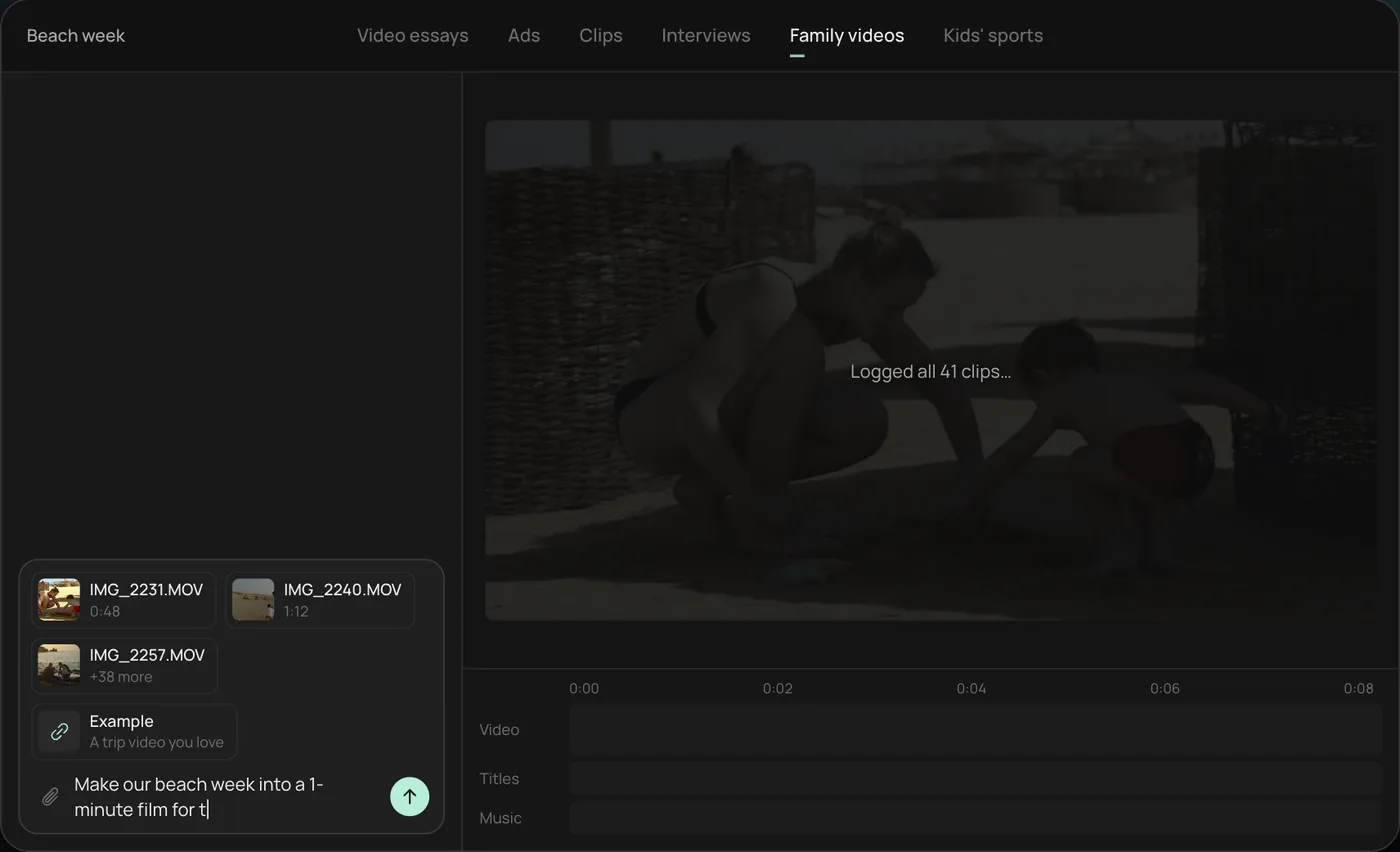
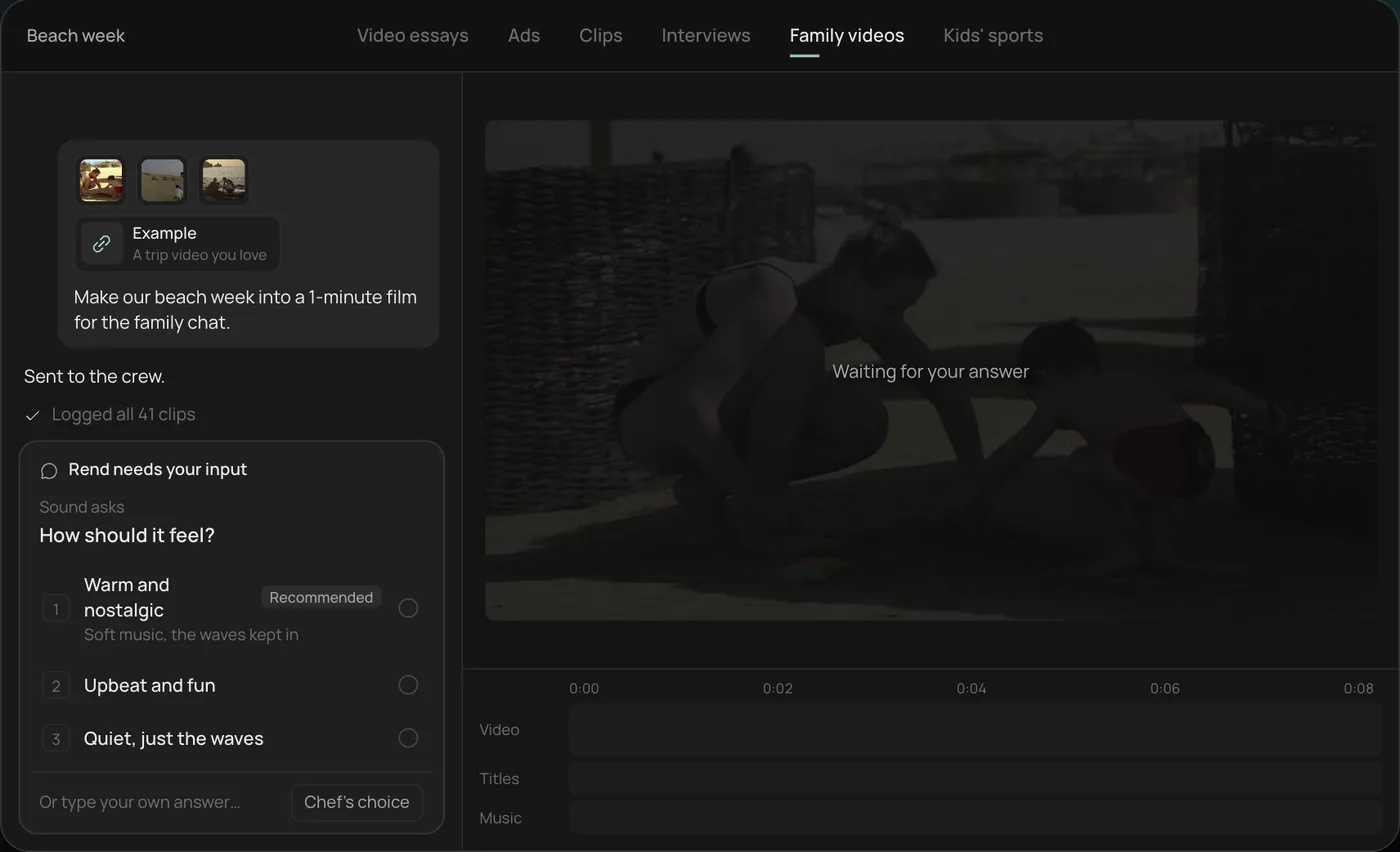
2. Answer the one question. Rend asks how the film should feel and recommends warm and nostalgic.
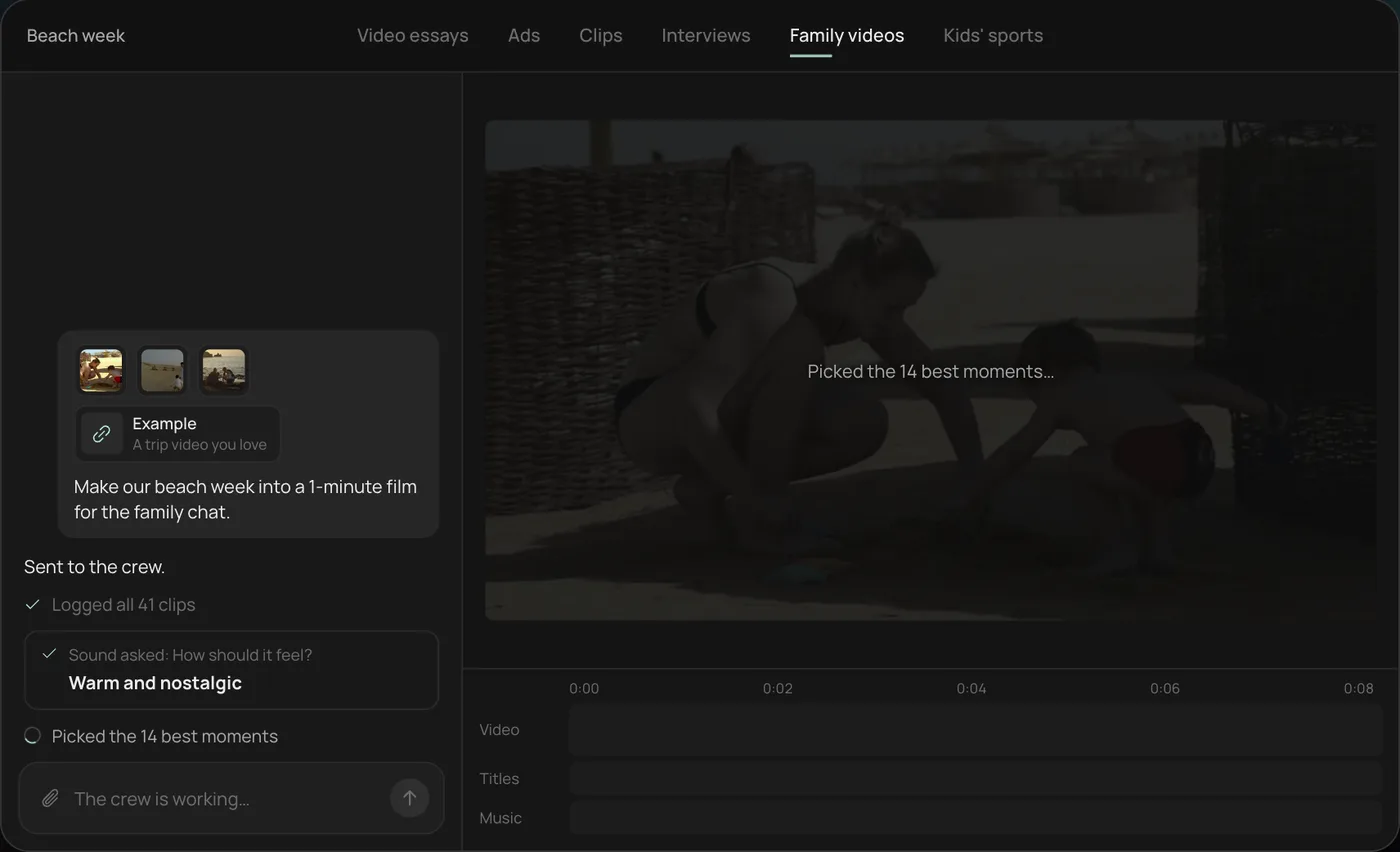
3. Let the crew work. The crew logs every clip and picks the 14 best moments, checking off each step in chat.
4. Open the finished film. A 1-minute film cut to warm piano, with a "Summer 2026" title, lands on a real timeline with video, titles and music on separate tracks.
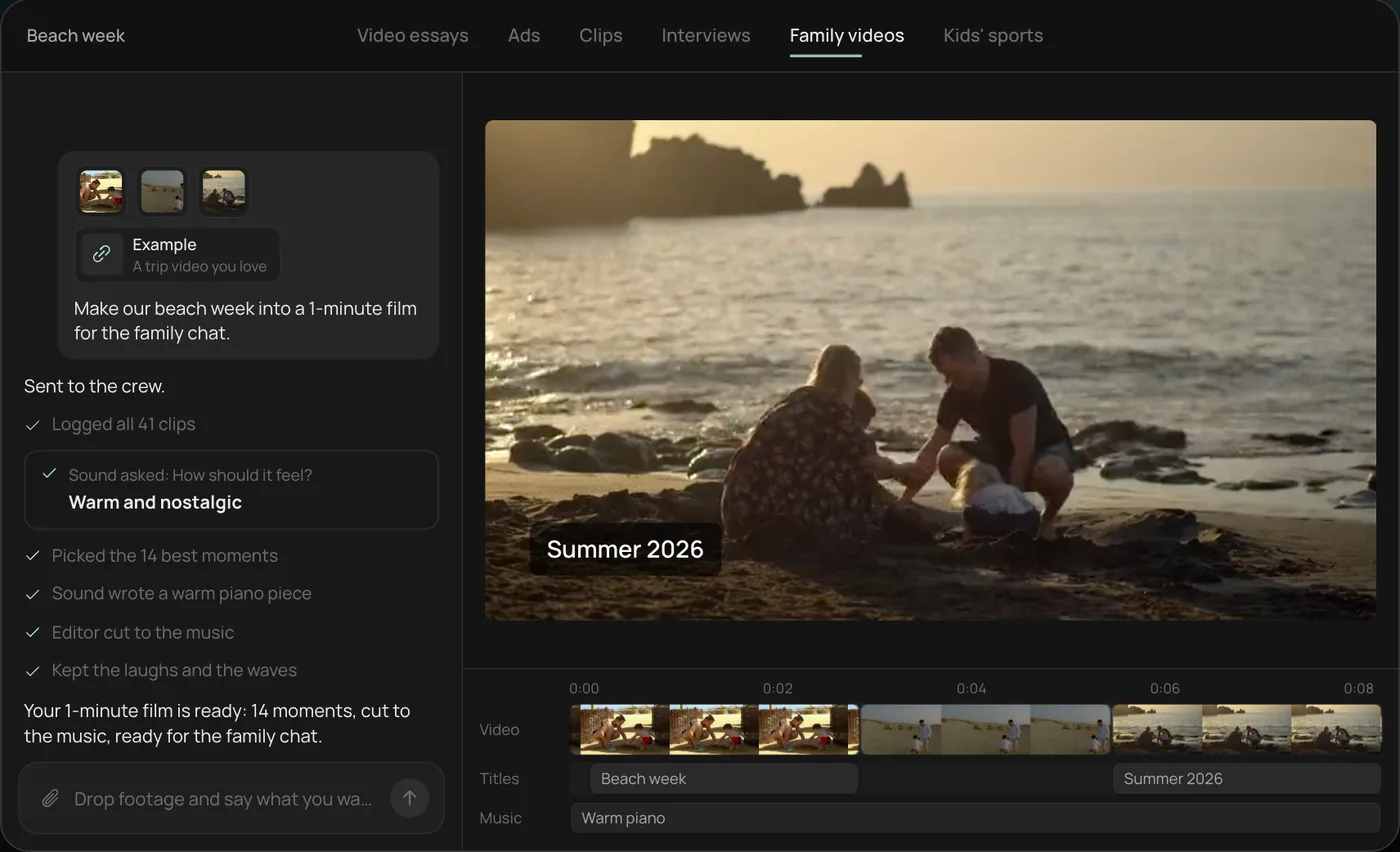
From there you can open the timeline and change anything by hand, share a review link, or export. Start a free Rend project to try it on your own footage.
How to brief an AI music track
A useful brief has five parts. Leave any out and you get the default, which is usually upbeat corporate ukulele.
| Part | Say | Example |
|---|---|---|
| Mood | One or two feelings | "Curious, a bit tense" |
| Tempo | Slow, mid, fast, or BPM if you know it | "Around 90 BPM" |
| Instruments | What's in, what's out | "Piano and soft synth pads, no drums for the first half" |
| Shape | Where it builds, drops or stops | "Builds at 0:40 for the reveal, cuts out at 0:52" |
| Length | Exact runtime | "65 seconds, clean ending, no fade" |
Example brief for a 60-second explainer about a coffee roaster: "Warm and steady, around 95 BPM, acoustic guitar and light percussion, no vocals. Stays low under the voice, lifts at 0:45 when we show the finished cup, ends cleanly at 1:00."
Which music fits which video
| Video type | Music that usually works | Avoid |
|---|---|---|
| Explainer | Light, steady, mid-tempo, sparse | Big drops that pull focus |
| Video essay | Ambient, cinematic, changes by chapter | One loop for 15 minutes |
| TikTok or Reel | Rhythmic, clear beat to cut to | Long intros before the beat |
| Product ad | Matches the brand's energy, hits on the reveal | Generic "inspirational" builds |
| Course lesson | Quiet, almost absent, under voice | Anything with melody that competes |
| Real estate tour | Calm, open, slow builds | Fast EDM |
| Sports highlights | Driving, percussive, big hits | Soft piano |
| Wedding reel | Emotional, builds to a peak | Lyrics that fight the vows audio |
Cutting to the music
Cuts that land on beats feel deliberate. The rule of thumb:
- Fast edits (Reels, TikToks, highlights): cut on every beat or every other beat for the montage section, then hold a shot through a bar for the payoff.
- Talking videos: don't cut to the music at all. Cut to the speech, and let the music sit underneath.
- Reveals: put the reveal on a downbeat after a short build or a moment of silence. Silence before a hit is the cheapest drama in editing.
Mixing music under voice
A voice and a song in the same space fight. Here's what keeps the words clear:
- Duck under speech. Music drops when the narrator talks and rises in the gaps. Good ducking is fast and slightly too much.
- Clear the middle. Voice lives in the mid frequencies. Music full of mid-range guitar or piano masks it on phones. Use sparser music or pull those frequencies down.
- Keep it on its own track. If music is baked into the voice file, you can't fix the balance later.
- Check on a phone speaker. That's how most people will hear it.
More on getting the voice side right: AI voiceover video maker.
A worked example: scoring a 45-second product ad
The ad: a reusable water bottle that keeps ice for a day. The cut runs a 3-second hook (ice clinking into the bottle), 25 seconds of a hiker's day, a 10-second payoff (pouring ice water at sunset) and a 7-second end card.
| Section | Music | Sound |
|---|---|---|
| 0 to 3 s, hook | Nothing | Ice clinking, close and loud |
| 3 to 28 s, the day | Light, rhythmic guitar, about 100 BPM, cuts on the beat | Footsteps and wind kept low |
| 28 to 38 s, payoff | Music drops out for half a second, then lifts | The pour, ice rattling |
| 38 to 45 s, end card | Holds one chord, clean ending | Nothing |
The silence at the start and before the payoff does more work than any part of the track. Because the hook is a sound, the music has to wait for it.
Rights: what to check
Before you put music into anything monetized or paid, check three things:
- The terms of the tool that made it. Who owns the output, and is commercial use allowed on your plan?
- The platform's rules. Ads and monetized videos have stricter review than personal posts.
- No sound-alikes. Don't ask for a track "in the style of" a specific living artist's song. Describe the mood and instruments instead.
Original generated music has a practical advantage on short video: it doesn't belong to a label that can claim your video.
Sound effects matter as much as music
A whoosh on a transition, a click on a button press, a camera shutter on a photo: small sounds make an edit feel finished. Add them sparingly, at moments where the picture already implies a sound. Fifteen whooshes in 30 seconds is a template; three well-placed ones is a craft.
Music in Rend
Rend is an AI video agent. You describe the video, and a crew of specialist agents takes it from idea to export on a real timeline you can open and change.
Rend makes original music for the video, to its length and shape, alongside sound effects. Music, sound effects and narration each sit on their own track, and the mix ducks the music under the voice. If the build lands half a second late, that's a fix on the timeline, not a new song. Save a music bed in a brand kit and every episode of a series opens and closes with the same sound, the way a show does.
You can brief the music in plain words ("tense under the first minute, lifts when we show the result") or leave it to the crew and change it after you hear the cut. Rend checks its own work before you see it, and a review link lets you leave a note at the exact moment the music is wrong.
Editing is free; you pay only when Rend renders or generates something, including music. See pricing and the tools.
Mistakes with video music
Music that starts before anything is on screen. Start with picture or voice, bring music in a beat later.
One track for a long video. Change it by section, or at least shift the intensity.
Lyrics under narration. Two voices at once lose both.
Ending on a fade when the video ends on a hard cut. Match the ending.
Choosing the track before the edit. Cut first, then score.
FAQ
Can I use AI music in YouTube videos?
Generally yes, if the tool's terms allow commercial use of the output. Check the terms of the tool and your plan, and avoid tracks made to imitate a specific copyrighted song.
What's the best AI music generator for videos?
The one that makes music to your video's length and shape and lets you adjust it inside the edit. A standalone generator works if you're happy to cut and mix the track yourself. Rend makes the music as part of the edit, on its own track.
How loud should background music be under a voice?
Low enough that every word is clear on a phone speaker. Duck the music when someone speaks and let it rise in the gaps. If you have to strain to hear a word, it's too loud.
Should every video have music?
No. Interviews, tutorials and some essays work better with only room tone and sound effects. Use music when it adds feeling or pace.
How long should an AI music track be?
The exact length of the video, with a real ending. Ask for the runtime in seconds and where it should end.
Score your next edit to the cut: create a free account, send the video, and describe the feeling you want.